An AI Legal Assistant can feel like the smartest shortcut you’ve ever taken. You answer a few questions. The system generates a document. Everything looks polished and professional.
That convenience is real. So are the failure points.
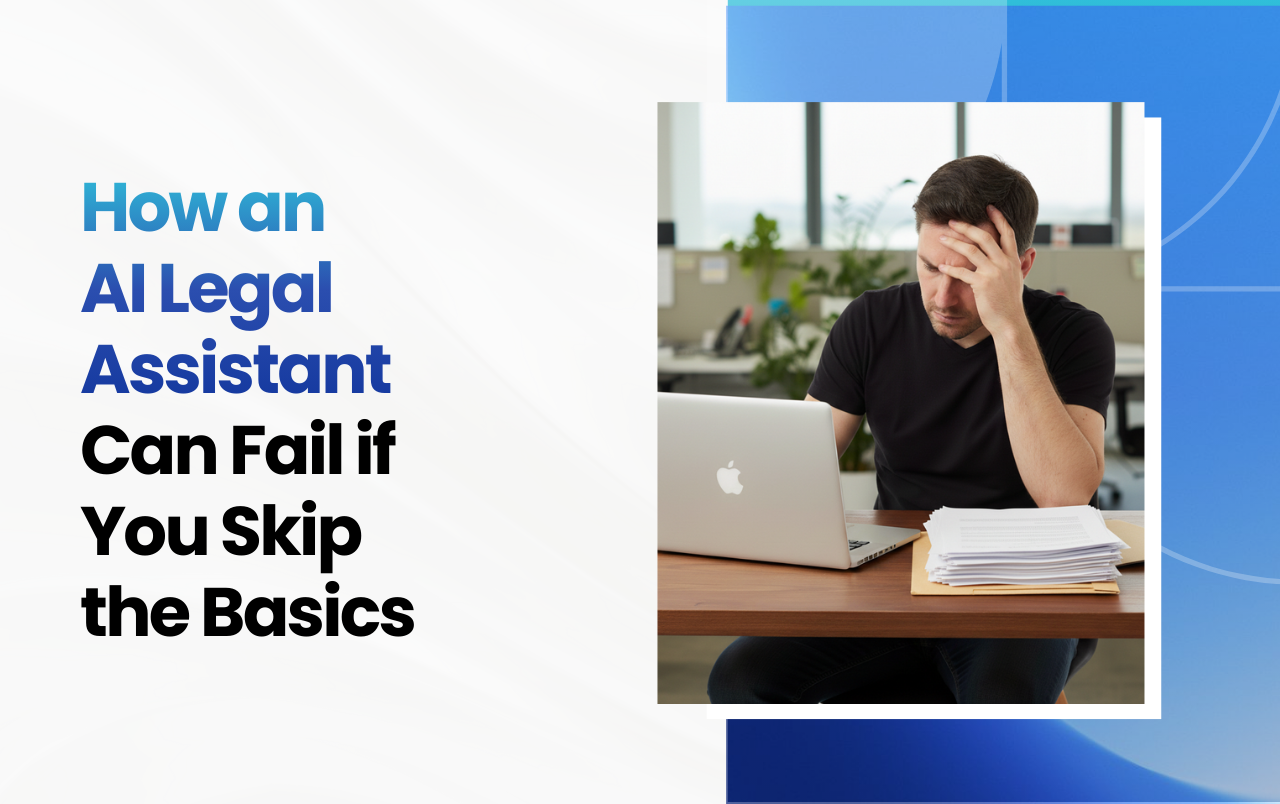
Most problems don’t come from the AI being “bad.” They come from skipping basics that still matter, no matter how advanced the technology looks.
This guide explains how an AI legal assistant can fail you, where people go wrong most often, and how to use these tools without creating problems for yourself later.
What Is an AI Legal Assistant?
An AI legal assistant is software that helps generate or manage legal-style documents using automation and machine learning.
These tools are often used for:
- Creating agreements
- Drafting clauses
- Structuring documents
- Speeding up paperwork
They fall under a broader category of AI law tools designed to reduce manual effort.
What they don’t do automatically is think for you.
Why Do People Rely on AI Legal Assistants So Quickly?
People trust them so blindly because they remove friction and sound confident.
AI-generated text:
- Looks formal
- Follows familiar structures
- Feels complete
That confidence is persuasive.
At SnapLegal, we often see users assume that if a document was generated by AI, it must already be “handled.” The reality is simpler. AI speeds up creation. It does not replace understanding.
What Basics Do People Commonly Skip?
Clarity, context, and review.
Here are the basics people often skip when using an AI legal assistant:
- Clearly defining the situation
- Understanding what each section does
- Reviewing the full document end to end
- Checking whether assumptions match reality
Skipping these steps leads directly to errors, even when the tool works exactly as designed.
What Are the Main Legal AI Limitations?
AI works with patterns, not your specific situation.
Legal AI limitations include:
- Limited understanding of nuance
- Reliance on generalized scenarios
- No built-in awareness of your workflow
- No ability to question unclear inputs
AI fills gaps with what’s common, not what’s correct for you.
That gap between “common” and “specific” is where problems start.
How Can Automated Legal Help Go Wrong?
When automation replaces thinking instead of supporting it.
Automated legal help often fails when:
- Users rush through questions
- Inputs are vague or incomplete
- Outputs are accepted without review
Automation repeats whatever it’s given. If the input is unclear, the output will be too.
The tool isn’t broken. The process is.
Why AI Contract Drafting Still Requires Attention?
This area still requires attention because drafting is about decisions, not just text.
AI contract drafting tools are excellent at producing language. They are less effective at explaining why that language exists.
Common issues include:
- Clauses that don’t match expectations
- Language that sounds right but feels off
- Sections included “just in case” without purpose
Without understanding, users accept text they wouldn’t have chosen knowingly.
Are Legal Tech Errors Easy to Detect?
No. Most of them look normal.
Legal tech errors are subtle:
- Vague wording
- Overly broad terms
- Missing specificity
They don’t trigger alerts. They don’t look broken. They simply don’t do what users expect later on.
That delay makes them harder to fix.
Why Do AI Law Tools Don’t Catch These Problems?
AI Law tools aren’t designed to challenge users.
Most AI law tools focus on:
- Speed
- Efficiency
- Fewer steps
They avoid slowing users down with explanations or warnings. Silence feels smooth. It also hides issues.
Good tools don’t just move fast. They pause when it matters.
What Happens When Basics Are Skipped Repeatedly?
Small errors turn into patterns.
When documents are reused:
- Assumptions get repeated
- Mistakes scale
- Inconsistencies spread
One unclear document becomes ten. Then twenty.
This is how minor oversights turn into operational friction.
How Can You Use an AI Legal Assistant Safely?
By treating it as a guide, not a replacement for thinking.
Here’s a simple checklist.
Before you start
- Know what the document is meant to accomplish
- Identify key expectations clearly
While using the tool
- Read every prompt carefully
- Don’t rush through questions
- Pause when something feels unclear
After the document is generated
- Read it fully
- Look for vague terms
- Make sure it reflects reality, not assumptions
AI works best when paired with attention.
How Does SnapLegal Approach AI Legal Assistance?
It combines automation with guidance.
At SnapLegal, AI supports guided, self-serve document creation. The focus is not just on generating text, but on helping users understand what they’re creating.
That includes:
- Plain-English explanations at each step
- Clear summaries of sections
- Visibility into how choices affect the document
You’re not rushed to download. You’re guided to understand.
And you can start without signing up.
Why Guidance Beats Pure Automation?
The right guidance prevents repeat mistakes.
Automation scales output.
Guidance improves quality.
When users understand documents during creation:
- Errors are caught early
- Reuse becomes safer
- Confidence is based on clarity
That’s how AI becomes helpful instead of risky.
Should You Avoid AI Legal Assistants Altogether?
No. You should avoid using them blindly.
AI legal assistants are useful for:
- Speed
- Structure
- Reducing repetitive work
They are not designed to replace careful reading or clear thinking.
Used properly, they save time. Used carelessly, they create confusion.
Key Takeaways
- AI legal assistants speed up document creation
- Skipping basics causes most failures
- Legal AI has real limitations
- Automation works best with guidance
- Understanding matters more than speed
Final Summary: Don’t Skip the Basics
AI can move fast.
You still need to slow down.
SnapLegal helps you create professional legal documents in minutes while guiding you through the basics that matter.
No legal jargon.
No appointments.
No sign-up.
See the value first. Commit later.
Start with SnapLegal today!
Frequently Asked Questions
What is the biggest mistake people make with an AI legal assistant?
Rushing through the process without understanding the output.
Are AI law tools reliable?
They are useful when paired with careful review and guidance.
Can automated legal help replace manual review?
No. Review is still essential for clarity and accuracy.
Why do AI contract drafting errors happen?
Context and nuance are often missing from inputs.
Do I need an account to try SnapLegal?
No. You can start creating documents instantly.