If you’re manually drafting, editing, and chasing signatures on contracts — you’re not running a business. You’re running a paperwork operation.
The average small business owner spends 6–10 hours per week on legal documents alone. That’s over 400 hours a year — time that could have gone into landing new clients, building your team, or scaling your revenue.
The solution is straightforward: automate contract creation for business. And in this guide, you’ll learn exactly how to do it — step by step — without hiring a lawyer or learning complex software.
What Does It Mean to Automate Contract Creation for Business?
Contract automation means using software to generate, customize, send, and store legal documents — without manually writing them from scratch each time.
Instead of opening a Word doc, copying an old contract, editing names and dates, and emailing PDFs back and forth — you answer a few guided questions, and the system builds a professional, legally sound document in minutes.
Think of it as a smart legal workflow that runs in the background while you focus on what actually grows your business.
The Real Cost of Manual Contracts (It’s More Than You Think)
Most business owners underestimate what manual contracts actually cost them. It’s not just time — it’s money, risk, and missed opportunity.
Cost Type: What It Looks Like: Real Impact
Time Cost 6–10 hrs/week on contracts, 400+ hrs/year lost
Error Cost Wrong clauses, missing terms, Disputes, lost revenue
Delay Cost Waiting for signatures Deals fall through
Legal Cost Lawyer fees for reviews $200–$500/hr
Opportunity Cost: Time not spent on growth, Unquantifiable loss
A single poorly worded contract clause can result in a dispute that costs you thousands. And yet, most small businesses are still copy-pasting agreements from Google Docs templates written years ago.
Manual Contracts Kill Deal Momentum
Here’s a scenario that plays out daily for small businesses:
A sales rep closes a deal on Friday afternoon. The client is excited. But the contract needs to be drafted, reviewed, emailed, and signed — a process that takes 3–5 business days. By Tuesday, the client’s enthusiasm has cooled. By Thursday, they’re talking to a competitor who sent a contract in 20 minutes.
Speed in legal documents is not just a convenience — it’s a competitive advantage.
Why Businesses Stay Stuck in Manual Legal Processes
If automation is so obviously better, why do so many businesses still do contracts manually? There are three root causes:
1. Fear of Getting It Wrong
Many owners believe that only a lawyer can create a valid contract. This is a myth. For standard business agreements — freelance contracts, service agreements, NDAs, employment offers — structured templates created by legal professionals are entirely sufficient and legally sound.
2. Over-reliance on Old Templates
That contract you downloaded in 2019? It may be missing clauses relevant to remote work, data privacy, or modern payment terms. Old templates create false security — they look official but leave dangerous gaps.
3. No System in Place
Without a defined legal workflow for your growing business, contracts get handled differently every time — by different people, in different formats, with no consistency or audit trail.
How to Automate Contract Creation for Business: Step-by-Step
Here is a practical, actionable framework to reduce time spent on contracts and build a scalable legal workflow.
Step 1 — Audit Your Current Contract Process
List every type of contract your business uses. Common ones include:
- Client service agreements
- Freelancer/contractor agreements
- NDAs (Non-Disclosure Agreements)
- Employment offer letters
- Partnership agreements
- Vendor agreements
- Sales contracts
For each one, note: How long does it take? Who creates it? Where is it stored? What errors have occurred?
Step 2 — Identify Which Contracts Can Be Standardized
Not every contract needs custom legal work. The majority of everyday business agreements — especially recurring ones — can be standardized using guided templates.
If you’re sending the same type of agreement more than once a month, it should be automated.
Step 3 — Choose the Right Contract Automation Software
Look for fast legal document software that offers:
- Guided question-based document creation
- Plain-English explanations of each clause
- Customizable templates for your industry
- Instant document generation (not days — minutes)
- Secure storage and easy access
- No mandatory lawyer involvement for standard docs
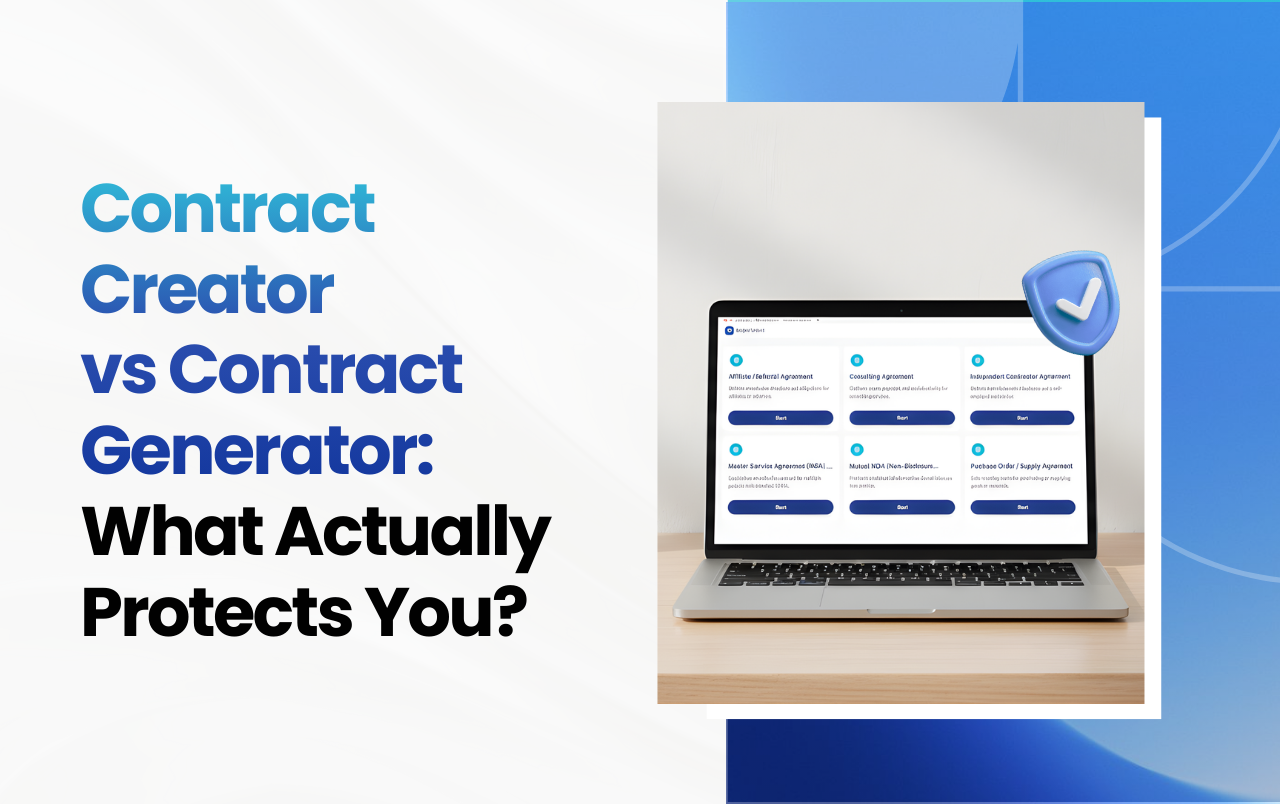
SnapLegal is built for exactly this. It walks you through each section of a legal document in plain English, ensures nothing is missed, and generates a professional agreement you can use immediately — no legal background required.
Step 4 — Build Your Contract Library
Once your core contracts are automated, create a library of your most-used documents. This means any team member — sales, HR, operations — can generate the right contract in minutes without waiting for a bottleneck.
Step 5 — Integrate Signing and Storage
Automation doesn’t stop at generation. Connect your contract workflow to:
- E-signature tools (DocuSign, HelloSign)
- Cloud storage (Google Drive, Dropbox)
- CRM systems (HubSpot, Salesforce)
This creates a seamless, end-to-end legal workflow where contracts move from creation to signature to storage without manual intervention.
Step 6 — Set a Review Schedule
Automate the creation — but don’t set it and forget it. Review your contract templates every 6–12 months to ensure they reflect current laws, business practices, and any lessons learned from disputes or near-misses.
Who Benefits Most From Contract Automation?
Small Business Owners
You wear every hat. Contract automation removes one of the most time-consuming tasks entirely — or at least reduces it to minutes instead of hours.
Startups
Speed is survival for startups. When you’re closing your first partnerships, hiring your first team members, or landing your first enterprise clients, you cannot afford a 5-day contract turnaround.
Sales Teams
The best time to send a contract is the moment a deal is verbally closed. With automated templates, sales reps can generate and send a contract from their phone in under 5 minutes — while the client is still excited.
HR Managers
Onboarding documentation — offer letters, NDAs, contractor agreements — can be generated in bulk and sent to new hires instantly, eliminating the back-and-forth that delays start dates.
Digital Agencies and Freelancers
Client service agreements, project scopes and payment terms — these repeat with every new client. Automation means you start every engagement professionally and consistently, with zero extra effort.
Common Mistakes When Automating Legal Documents
Even with the right tools, businesses make avoidable errors. Watch out for these:
- Using generic templates without customization — A one-size-fits-all contract rarely fits anyone well. Always tailor key sections to your specific service and client.
- Skipping the plain-English review — If you don’t understand a clause, your client won’t either. Use a tool that explains each section clearly before you generate the document.
- Forgetting jurisdiction-specific requirements — Laws vary by state and country. Ensure your automated contracts account for where your business and clients are located.
- Not updating templates — Automation without maintenance creates false confidence. Stale templates can leave you exposed to legal risk.
- Over-automating complex agreements — Automation is ideal for standard contracts. For complex mergers, equity agreements, or multi-party arrangements, always involve a qualified attorney.
Expert Tips to Speed Up Your Legal Workflow for a Growing Business
- Create role-based access — Allow sales to generate service agreements, HR to generate offer letters, and operations to generate vendor contracts — without any single bottleneck.
- Use conditional logic in templates — Good contract software lets you set conditions: “If client is international, include this clause.” This saves manual editing on every deal.
- Build a 24-hour contract rule — Any verbal agreement should be followed by a written contract within 24 hours. Make this a company policy, and automation makes it effortless to follow.
- Track contract cycle time — Measure how long it takes from contract creation to a signed document. If it’s more than 48 hours for a standard agreement, your process needs fixing.
- Create a self-serve client portal — Let clients sign and return contracts through a branded link, without email attachments and PDF confusion.
Real-World Example: How Contract Automation Transforms a Digital Agency
Consider a digital marketing agency with 3 account managers, each closing 5–8 client deals per month. Before automation:
- Each contract took 2–3 hours to draft and review
- Errors in payment terms led to 3 disputes in one year.
- Average time from verbal close to signed contract: 6 days
- 2 deals fell through because clients chose faster competitors
After implementing contract automation with a tool like SnapLegal:
- Contract generation time dropped to under 10 minutes
- Zero disputes in the following 8 months
- Average time from close to signed contract: under 24 hours
- An estimated 15+ hours per week reclaimed across the team
Those 15 hours went back into client work, business development, and team training. That is the real ROI of contract automation.
Frequently Asked Questions
What is contract automation for business?
Contract automation for business is the use of software to automatically generate, customize, and manage legal documents based on guided inputs — eliminating the need to draft agreements from scratch manually. It dramatically reduces time spent on contracts and minimizes errors.
Is automated contract creation legally valid?
Yes. Contracts created through reputable legal document software are legally valid, provided they include the essential elements of a contract: offer, acceptance, consideration, and mutual intent. Always ensure the template is designed for your jurisdiction.
How much time can contract automation save?
Most businesses report saving 60–80% of the time previously spent on contract creation. For a small team handling 20+ contracts per month, this can translate to 15–30 hours saved every month.
Do I still need a lawyer if I use contract automation software?
For standard business agreements — service contracts, NDAs, freelance agreements and offer letters — professional-grade templates are sufficient. For complex deals, equity arrangements, or high-stakes agreements, a qualified attorney should always be involved.
What types of contracts can be automated?
The most commonly automated contracts include: client service agreements, freelancer contracts, NDAs, employment offer letters, vendor agreements, partnership agreements, and sales contracts. Any recurring agreement your business issues more than once is a strong candidate for automation.
What is the best software to automate contract creation for small businesses?
The best contract automation software for small businesses offers guided document creation in plain English, industry-specific templates, instant generation, and no mandatory legal expertise. SnapLegal is designed specifically for small businesses, startups, freelancers, and growing teams who need professional contracts fast — without the cost and delay of traditional legal services.
Key Takeaways
- Manual contracts cost small businesses 400+ hours per year — time that should go toward growth
- Contract automation uses software to generate professional legal documents in minutes, not days
- Speed in contracts is a direct competitive advantage — especially for sales teams
- The best automation tools explain every clause in plain English and require no legal background
- Standard business agreements (NDAs, service contracts, freelance agreements) are ideal for automation
- Always review and update your automated templates every 6–12 months
- Complex, high-stakes agreements still benefit from qualified legal counsel
Stop Letting Contracts Steal Time From Your Business
Every hour you spend manually drafting, editing, and chasing down signatures is an hour your competitors spend growing. The businesses winning in 2025 are not those with the most complex contracts — they’re the ones who automate contract creation for business and redirect that time toward revenue-generating work.
You don’t need a law degree. You don’t need an expensive attorney on retainer. You need a smarter system.
Start creating professional contracts in minutes with SnapLegal — no sign-up required.