Quick answer: Secure legal contract creation online is the process of building, reviewing, and signing legally binding agreements through a trusted digital platform that protects your terms, closes loopholes, and keeps your documents enforceable. The safest approach combines standardized, attorney-grade templates with encrypted storage and compliant e-signature.
One weak clause can cost you everything. A missing payment term, a vague scope line, an unsigned amendment — small gaps that feel harmless until a deal goes sideways and you’re staring at a dispute you can’t win.
For small business owners, startups, and freelancers, secure legal contract creation online is no longer optional. It’s the cheapest insurance you’ll ever buy. This guide shows you exactly how to create contracts that hold up, spot the loopholes that quietly drain businesses, and sign safely — without paying a lawyer for every agreement.
What Does “Secure Legal Contract Creation Online” Actually Mean?
Secure online contract creation means producing agreements that are complete, enforceable, and protected at every stage — drafting, signing, and storage. A secure contract does three things well:
- Defines terms clearly — no vague language a counterparty can exploit
- Stays legally binding — proper structure, consent, and signature
- Remains protected — encrypted, version-controlled, and retrievable
A document can look polished and still be dangerous. Many poorly written legal documents appear professional but leave gaps that surface only when something goes wrong — exactly when you can least afford it.
Why this matters more than ever
More business than ever happens online, and so do more disputes. A contract that isn’t airtight doesn’t just risk a fine — it can end a client relationship, freeze your cash flow, or hand the advantage to the other side in a disagreement.
The Problem: Most Small-Business Contracts Are Quietly Unsafe
Here’s the uncomfortable truth: the majority of contracts used by freelancers and small businesses have holes in them. They’re copied from old files, borrowed from the internet, or generated once and never reviewed.
These overlooked issues make contracts unsafe without anyone noticing — until a payment is missed or a scope dispute erupts.
Common contract loopholes that hurt small businesses
The most damaging contract loopholes for small business owners include:
| Loophole | What Goes Wrong |
|---|---|
| Vague scope of work | Endless “just one more thing” requests, unpaid |
| Missing payment terms | No deadline, no late fees, no leverage |
| No termination clause | You can’t exit a bad deal cleanly |
| Undefined ownership/IP | Who owns the work? Nobody’s sure |
| Unsigned amendments | Verbal changes that don’t hold up |
| No dispute resolution | Straight to expensive court |
Each gap is a door left open. A secure contract closes them before anyone walks through.
Root Cause: Why Online Contracts Go Wrong
Before fixing it, understand why insecure contracts happen in the first place. Three root causes dominate:
1. Speed over substance. People grab the fastest template and fill in the blanks without checking whether the protective clauses are even there.
2. No legal review baked in. A one-time generated document is treated as final, even though it was never checked for completeness or enforceability.
3. Insecure signing and storage. Contracts get emailed as PDFs, signed by hand, and lost in inboxes — with no audit trail proving who agreed to what, and when.
Fix these three and your contracts become an asset instead of a liability.
How to Create Secure Legal Contracts Online (Step by Step)
Here’s a practical framework any business can follow this week.
Step 1: Start from a complete, protective template
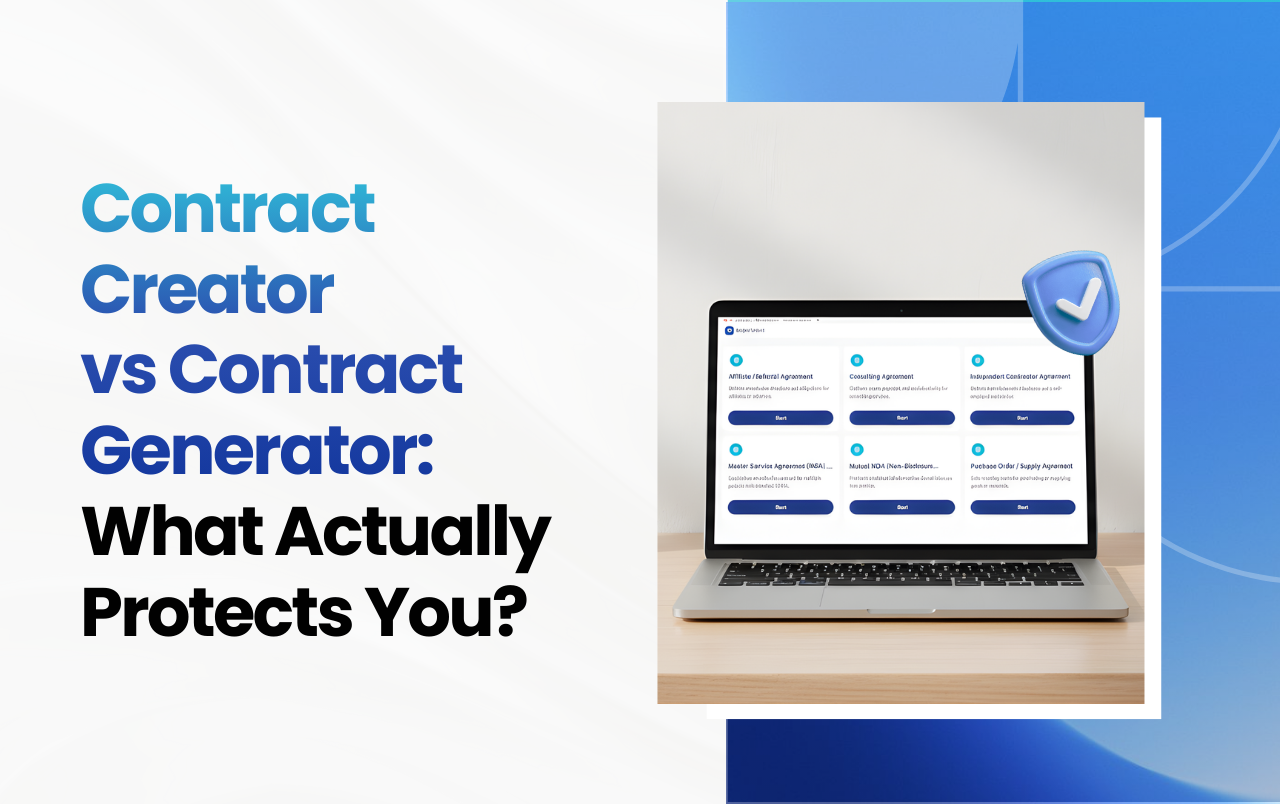
Don’t write from scratch and don’t grab a random free PDF. Begin with a template built to protect your business with a proper contract — one that already contains the clauses most agreements forget.
A strong base template includes scope, payment terms, timelines, liability limits, IP ownership, termination, and dispute resolution. Solid contract templates that protect your business give you that foundation instantly.
Step 2: Customize only the deal-specific details
Keep the protective clauses locked. Change only the variables — names, dates, amounts, deliverables. This keeps every contract consistent and safe.
Step 3: Make it legally binding the right way
For a legally binding document online, you need three things: a clear offer and acceptance, mutual consent, and a valid signature. When you automate contract creation properly, these elements are built into the process so nothing essential is skipped.
In the U.S., electronic signatures are fully enforceable under the ESIGN Act (2000) and UETA, giving e-signed contracts the same legal standing as ink on paper.
Step 4: Sign on a safe platform
Use a safe contract signing platform rather than print-sign-scan or loose email attachments. Manual handling reliably creates more problems — lost versions, no audit trail, and disputes over which copy is “final.” A secure platform captures consent, timestamps, and a tamper-evident record.
Step 5: Store securely and stay protected
Keep signed contracts encrypted, version-controlled, and searchable. This is how you actually prevent business disputes with better contracts — when terms are clear, signed, and retrievable, there’s far less to argue about.
Secure vs. Risky: A Quick Comparison
| Factor | Risky DIY Contract | Secure Online Contract |
|---|---|---|
| Source | Random free PDF / old file | Complete protective template |
| Clauses | Often missing | Built-in and consistent |
| Signature | Print-sign-scan | Compliant e-signature |
| Audit trail | None | Timestamped record |
| Storage | Lost in inbox | Encrypted, searchable |
| Enforceability | Uncertain | Strong |
A Real-World Example
First-hand example: A startup founder I advised signed a “quick” web-development contract pulled from a free template site. It had no IP ownership clause. When the relationship soured, the developer claimed ownership of the code the startup had paid for. Because the contract was silent on IP, the dispute dragged on for months. A single standardized clause — present in any secure template — would have prevented the entire mess. After switching to a proper online contract system, every agreement that founder signed carried that protection automatically.
The lesson: it’s never the clause you negotiate that hurts you. It’s the one that isn’t there.
Common Mistakes to Avoid
- Grabbing free templates without checking the clauses. Free often means incomplete.
- Treating an unsigned agreement as binding. A verbal yes is not a contract.
- Skipping the termination and dispute clauses. These matter most exactly when things go wrong.
- Emailing PDFs for signature. No audit trail, no protection.
- Never updating templates. Laws and your business both change — review quarterly.
Expert Tips for Bulletproof Contracts
- Add a plain-language summary above dense clauses so both sides actually understand what they’re signing.
- Always define ownership and IP, even for small projects.
- Set clear payment milestones with late fees to protect cash flow.
- Keep an amendment process in writing — no verbal changes.
- Have your core templates reviewed once by a lawyer, then reuse them confidently.
Frequently Asked Questions
What makes an online contract legally binding in the USA?
An online contract is legally binding when it shows a clear offer and acceptance, mutual consent, lawful purpose, and a valid signature. Under the ESIGN Act and UETA, electronic signatures carry the same legal weight as handwritten ones, so a properly e-signed contract is fully enforceable.
Is secure legal contract creation online safe for sensitive business deals?
Yes. A secure platform uses encryption, access controls, and tamper-evident audit trails, which often makes online contracts safer than paper. The key is choosing a safe contract signing platform that records consent and timestamps every action.
What are the most common contract loopholes for small businesses?
The most common loopholes are vague scope of work, missing payment terms, no termination clause, undefined IP ownership, and no dispute-resolution process. Each gap creates room for costly disagreements, and all are easily closed with a complete template.
Do I need a lawyer to create a secure contract online?
Not for every contract. You can use attorney-grade templates and a secure platform to handle most routine agreements yourself. It’s wise to have a lawyer review your core templates once; after that, you can reuse them safely for similar deals.
How does secure contract creation protect my business?
It protects you by ensuring every agreement is complete, clearly worded, properly signed, and securely stored. This closes loopholes, creates a reliable record, and dramatically reduces the risk of disputes — protecting your business with a proper contract every time.
What’s the first step I should take today?
Pick your most-used agreement, replace it with a complete protective template, and set it up for compliant e-signature. That one change immediately makes your next deal safer.
Protect Every Deal With Secure Legal Contract Creation Online
Strong contracts aren’t about legal jargon — they’re about protection. With secure legal contract creation online, you close the loopholes that quietly drain small businesses, sign with confidence, and keep every agreement enforceable. The cost of doing it right is tiny. The cost of a single bad contract can be your business.
Snaplegal makes secure document creation simple: complete protective templates, guided customization, compliant e-signing, and encrypted storage — all in one place, no law degree required.
👉 Stop leaving your business exposed. Create your first secure contract with Snaplegal today and sign with confidence.